
· Ease Solutions · monday com · 6 min read
Beyond ERP: A Practical Guide to Building a Service Portal with monday service
Introduction
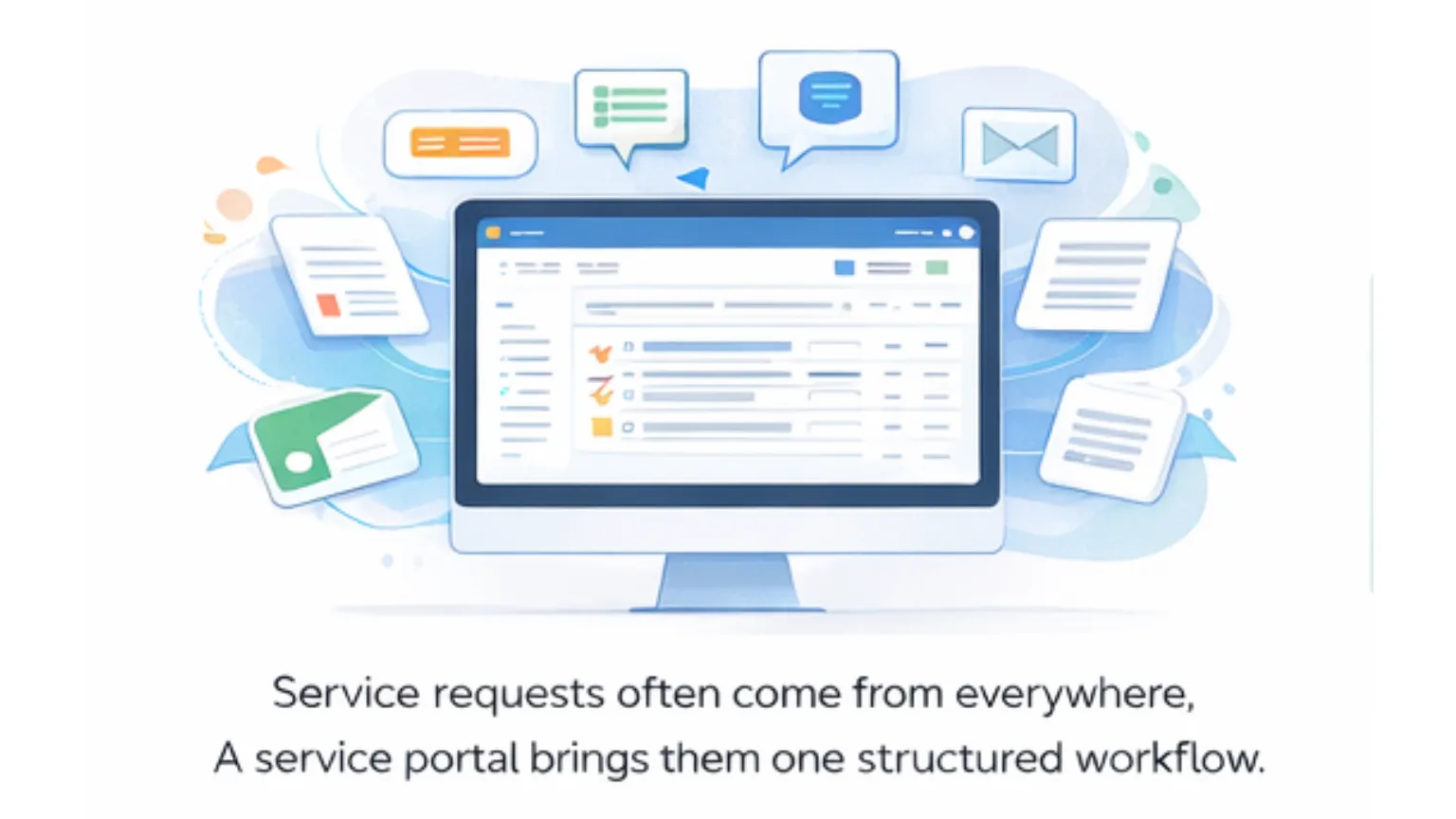
Service requests rarely stay inside one system.
Customer issues, internal IT tickets, HR requests, and procurement approvals often arrive through email, chat, shared inboxes, or ERP forms. Teams lose time clarifying ownership, searching for context, and responding to follow up questions rather than resolving the request itself.
This affects customer support and after sales leaders managing response times, customer success teams coordinating follow ups, IT and HR teams handling internal demand, and finance or procurement teams tracking approvals and visibility.
This article explains why ERP systems struggle with day to day service management, what a service portal actually does, and how monday service is commonly used to create structured, visible service workflows without replacing core ERP platforms. You will also see how organizations operating across the Philippines, Singapore, and Malaysia approach rollout and adoption.
Key definitions
monday service
monday service is a service management product by monday.com designed to help teams manage service requests, workflows, and service level tracking across departments. It is built on monday.com ’s Work OS, which is a configurable platform for managing operational processes. Teams that already use monday.com for projects or operations often extend it to service use cases through monday service.
Service portal
A service portal is a centralized entry point where users submit requests, track status, and access relevant information. Instead of sending emails or messages to individuals, users interact with a consistent interface that routes requests into defined workflows.
Service management workflow
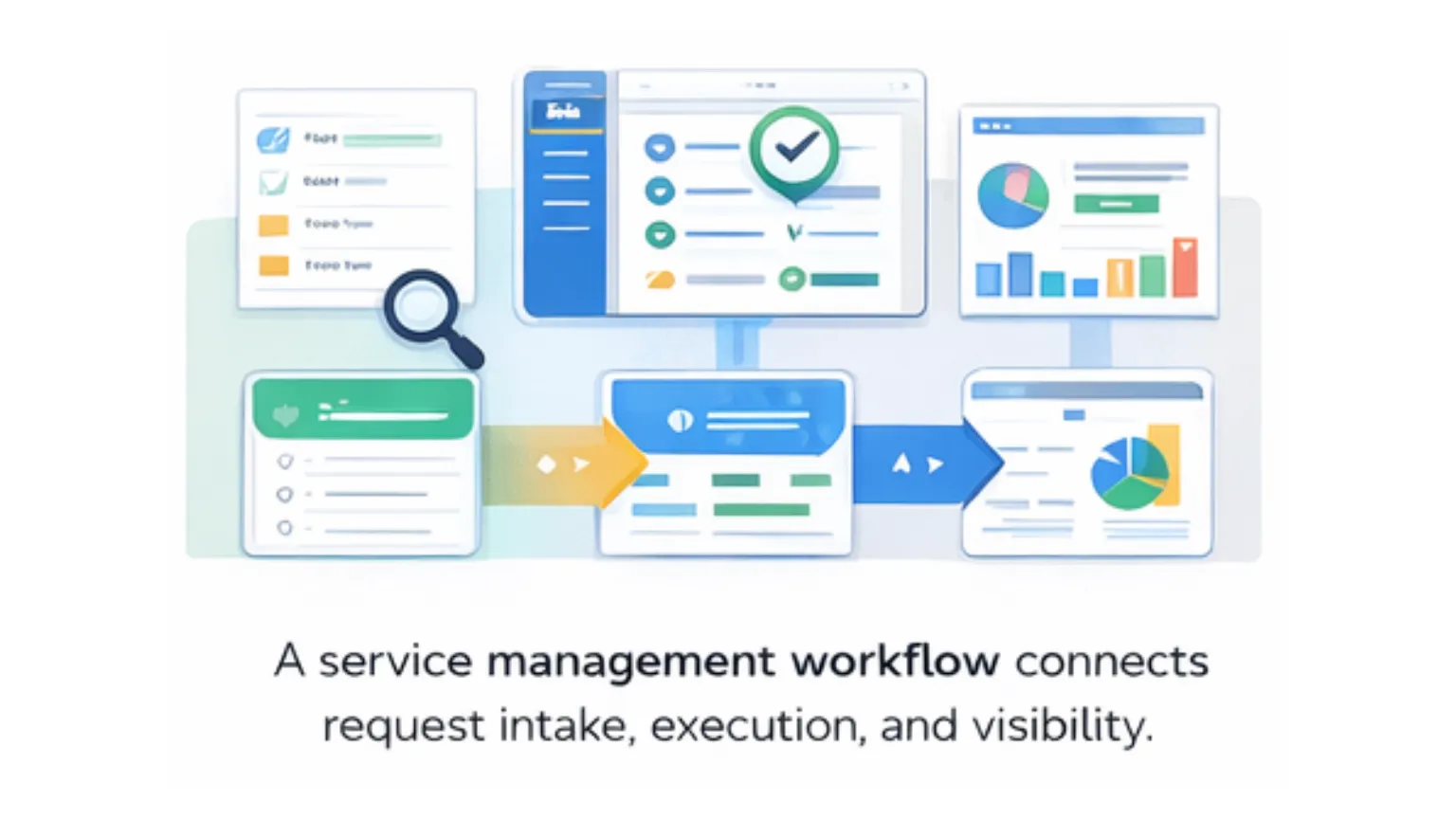
A service management workflow defines how a request is received, categorized, assigned, worked on, reviewed, and closed. Common elements include intake forms, routing rules, service level targets, approvals, and reporting dashboards.
Why ERP systems struggle with service management
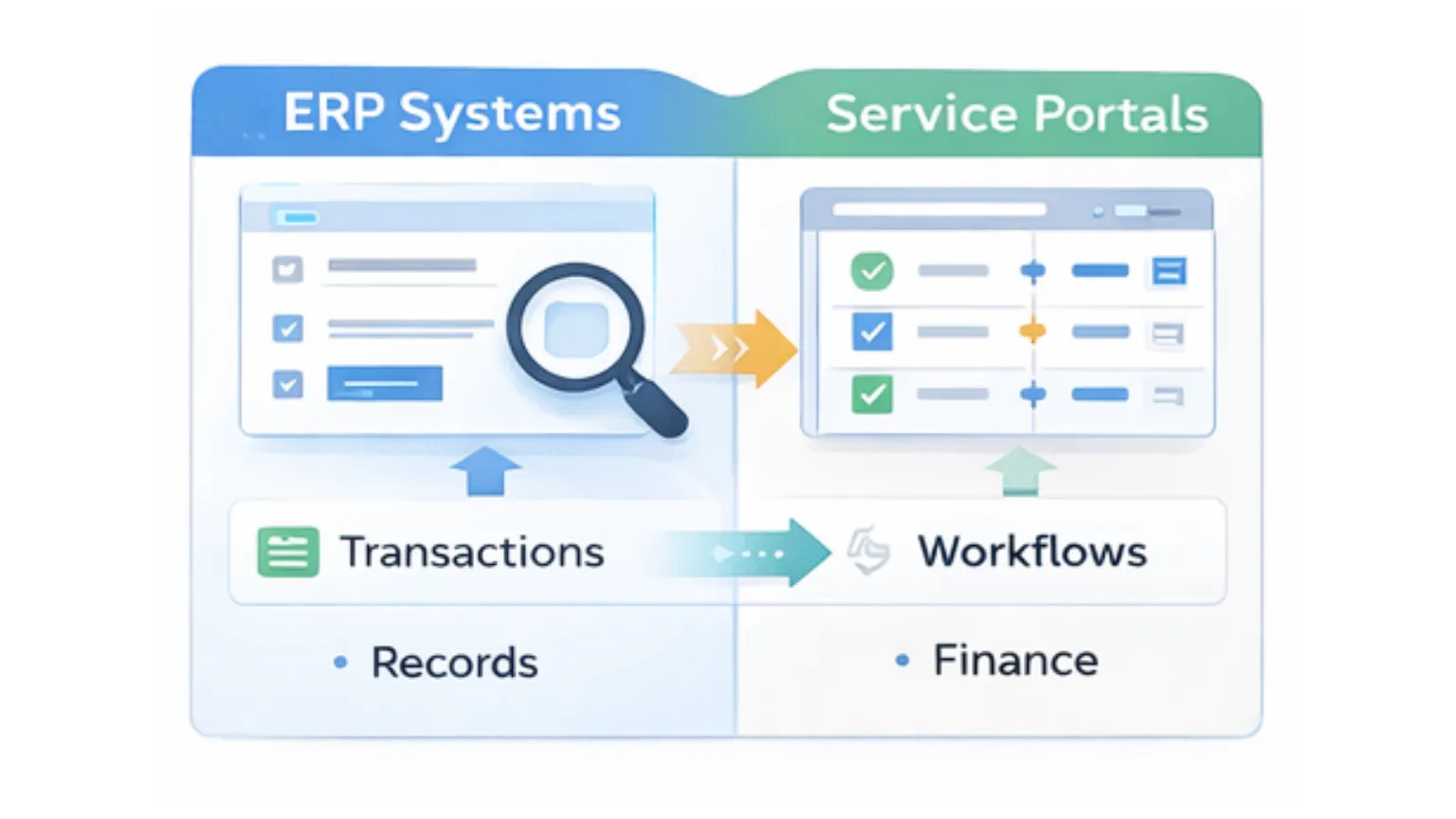
ERP platforms are built to manage financial transactions, records, and compliance. Service operations introduce different requirements that ERP systems are not optimized to handle.
Teams often experience limited flexibility for request intake, especially when multiple departments are involved. Routing and reassignment are frequently manual, which slows response times. Stakeholders lack real time visibility into request status, leading to follow up emails and status meetings. SLA tracking for response and resolution times is weak or inconsistent, and non finance service teams struggle with complex ERP interfaces designed for accounting and procurement users.
To compensate, teams adopt side tools or shared spreadsheets. Over time, this creates fragmented processes and inconsistent data across departments.
How monday service supports a service portal approach
monday service is commonly used as a service management layer that complements ERP systems rather than replacing them.
Teams configure centralized intake forms to capture structured information for customer support, IT, HR, or procurement requests. Each request type can collect different details while feeding into a consistent workflow. Automated routing rules assign ownership based on category, urgency, or workload, which reduces manual handoffs and clarifies accountability.
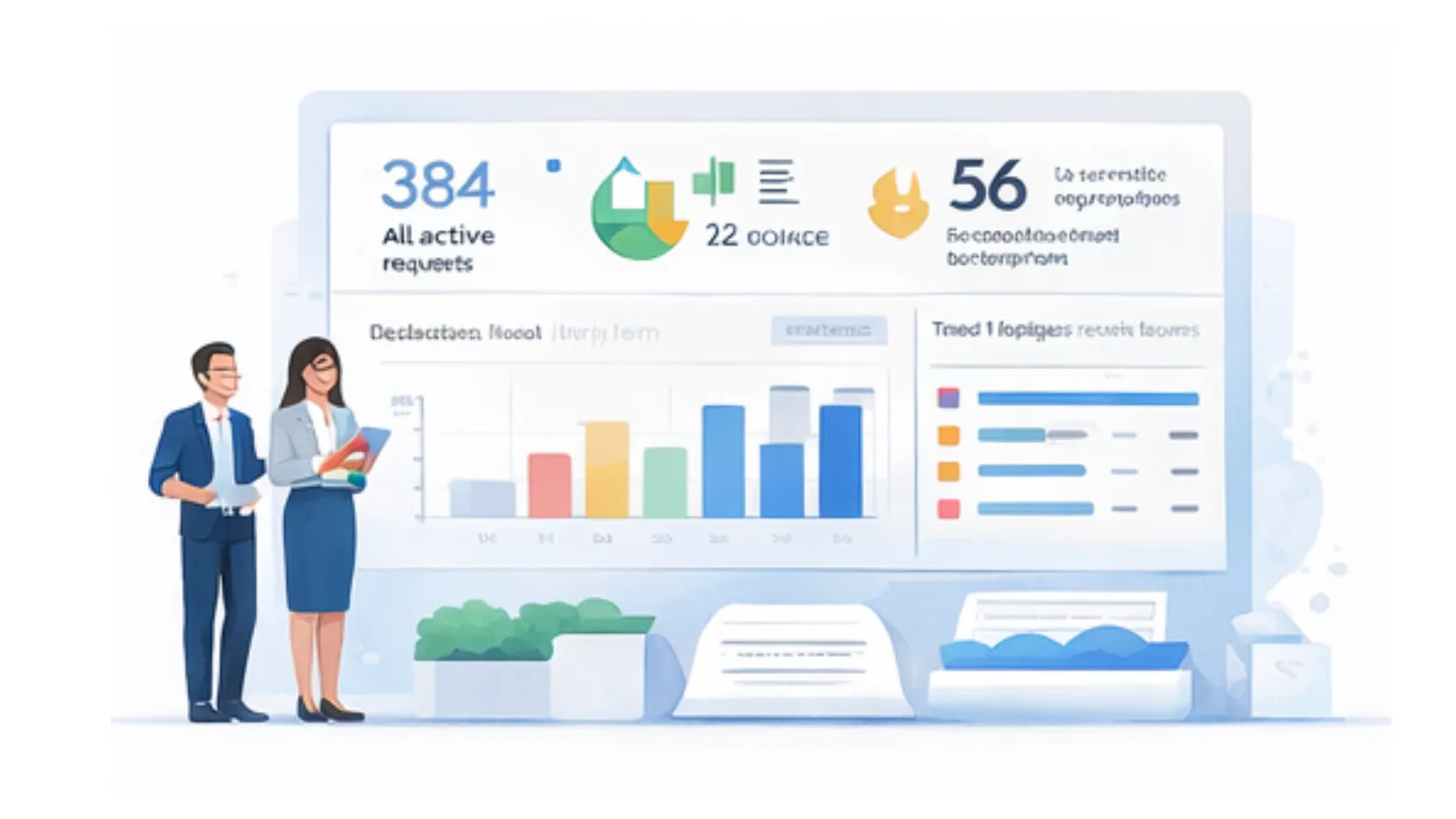
Service level targets are defined within workflows, allowing teams to track response and resolution timelines. Dashboards provide visibility into active requests, overdue items, and workload distribution across teams. For requests that require review, such as procurement approvals or access changes, defined approval steps create a clear audit trail.
Many teams also include a basic knowledge base within the service portal. This helps address repeat questions and supports self service without replacing existing documentation systems. Analytics and reporting focus on operational performance rather than financial transactions.
Implementation approach for regional teams
Successful service portals focus as much on adoption and governance as on configuration.
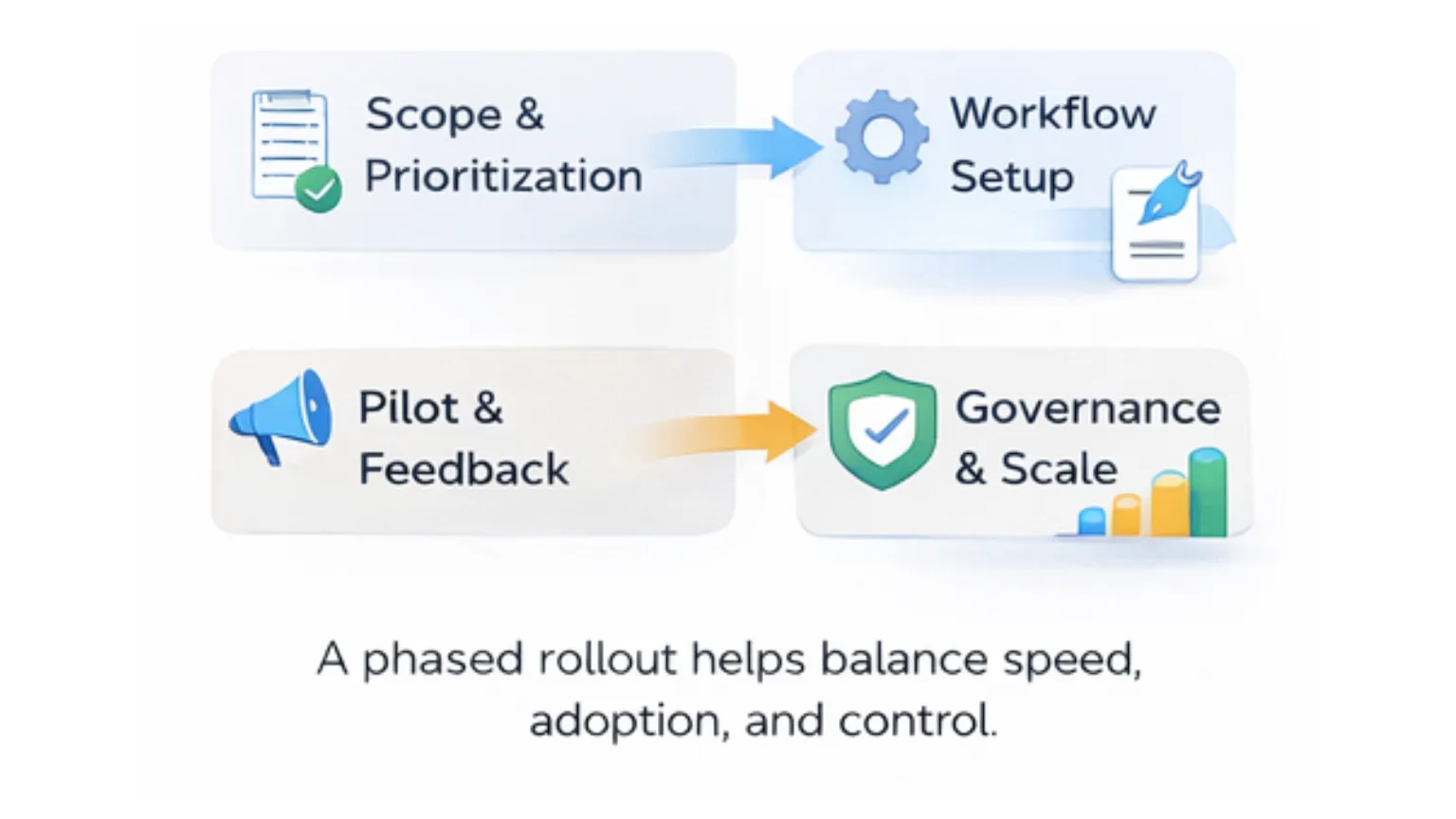
Teams typically begin by identifying high volume request types that create the most friction, such as customer issues, IT access requests, or procurement approvals. Service definitions and ownership are aligned across regions while allowing flexibility for local service hours or escalation rules.
Workflow configuration follows, with intake forms, routing rules, and service level targets designed around real team capacity. Dashboards are created for both managers and service agents to ensure visibility without excessive reporting overhead.
Pilots usually start with one or two teams. Feedback during this phase helps improve clarity and usability before broader rollout. As usage scales, governance becomes critical. Clear ownership for workflow changes, consistent naming conventions, and regular metric reviews help maintain alignment across teams in the Philippines, Singapore, and Malaysia.
Role based service portal use cases
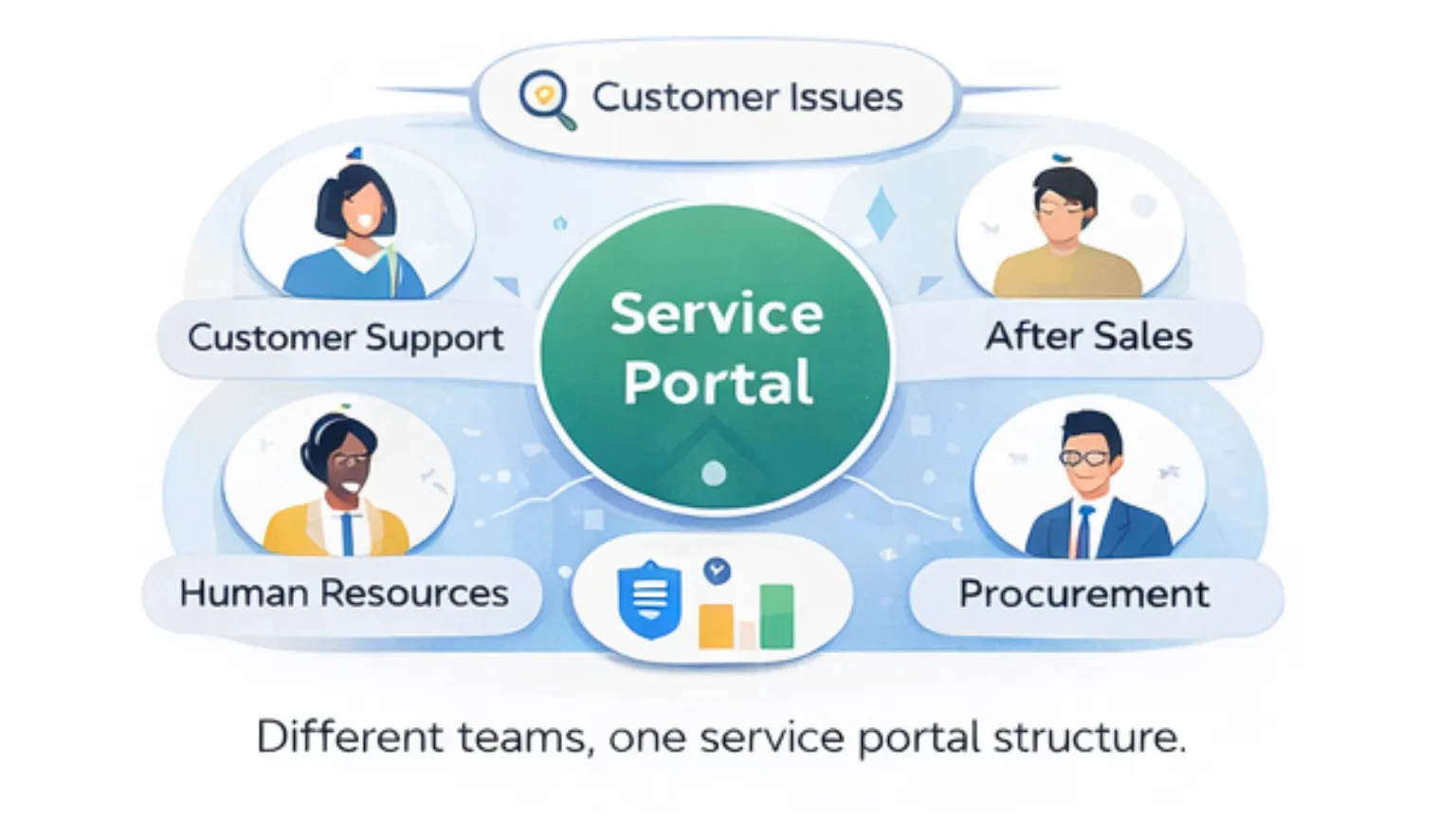
Customer support teams use service portals to manage inbound customer issues with structured intake, prioritization, and SLA visibility. After sales teams track service requests, warranty claims, and follow ups across distributed teams. Customer success teams coordinate onboarding tasks, renewals, and customer actions with clear ownership and status tracking.
HR teams manage employee requests such as onboarding, benefits questions, and policy access through a single entry point. IT teams handle access requests, incidents, and internal service tasks using defined workflows. Procurement teams track purchase requests, approvals, and status updates without relying on email chains or spreadsheet trackers.
Metrics that matter in service management
Effective service management focuses on process health rather than assumptions.
Teams commonly track request volume by type, average response time, average resolution time, SLA compliance rates, and backlog by team or priority. These indicators are measured through workflow timestamps and status changes captured during daily operations.
Dashboards allow leaders to review trends and capacity constraints without manual reporting.
Why Ease Solutions
Ease Solutions helps organizations design service workflows that reflect how teams actually operate across the Philippines, Singapore, and Malaysia. As a monday.com certified partner, our focus goes beyond configuration to include adoption, governance, and measurable service outcomes.
We work with business and IT teams to ensure service portals support real operational needs, scale across regions, and remain maintainable over time. This approach helps organizations gain visibility and consistency without adding unnecessary complexity.

Key takeaways
ERP systems are not designed for daily service coordination across teams. Service portals centralize intake, visibility, and accountability. monday service supports structured service workflows that complement existing ERP investments. Long term success depends on adoption, governance, and clear service definitions.
Next step
Talk to our team about a monday service workflow assessment. We will review your current request handling, identify service gaps, and outline how a service portal can improve visibility, response times, and service consistency across teams.